
Uploading audio recordings
Follow these steps to upload an existing audio file to generate a medical note.
Note: Tali supports MP3 and WAV files up to 500 MB or 2 hours in length. Your recording will be transcribed automatically once the upload is complete.
What’s changed?
Audio upload is now part of the Add context workflow. Instead of using a separate upload button, you can upload your recording from the same place where you add written instructions and supporting documents before an encounter.
Your audio recording will still be used as the main transcript for generating the note. Any text or documents you add will be used as supporting context.
Upload an audio recording
- Go to New encounter.
- Expand Add context.
- Drag your audio recording into the upload area, or select Choose files to locate it on your device.
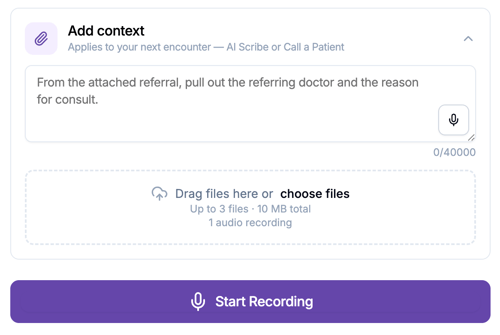
- Optional: Add written instructions or supporting documents to provide additional context for the note.
- Select Submit Recording.
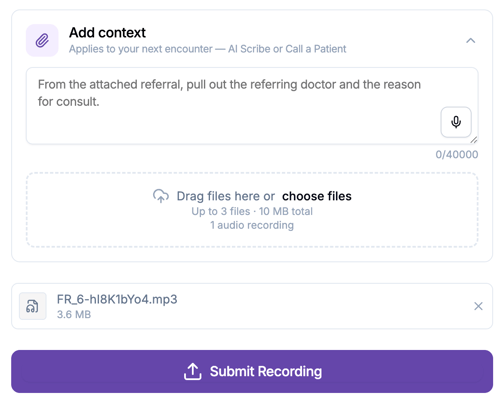
- The note will be generated based on your default Template.
- You can also click on Generate to use additional templates.