Upgrading your plan
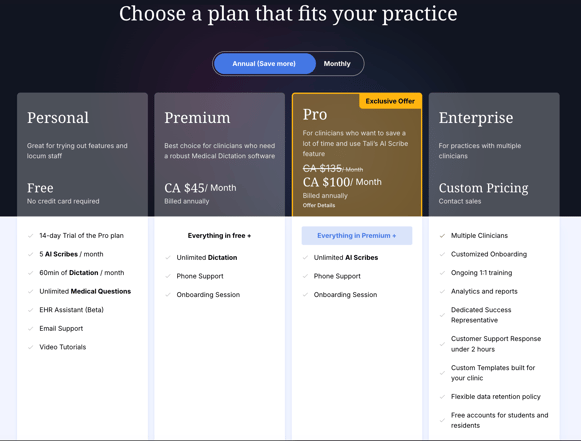
Choose a plan that best fits your practice’s needs.
How to upgrade
- From the New encounter page, click ‘Upgrade plan’ in the top-right corner.
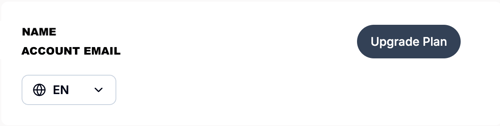
- Alternatively, go to Settings, locate your account information, and click on 'Upgrade Plan'
- Select your preferred subscription plan
You can toggle between Annual and Monthly billing to view different pricing options.
Managing account details
View your current subscription status and account information in one place.
Access account information
- Navigate to the Settings section of the app.
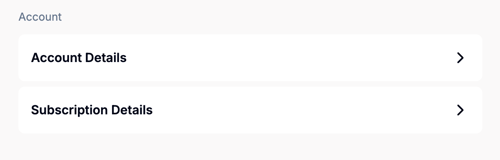
- Scroll down to Account to view your email address and current subscription details.