
Before you begin
Please note that the Tali–Profile integration is currently available only for paid Tali accounts.
Request the integration
The integration must be enabled for your clinic before use. To get started, fill out the Integration Request Form. Our team will notify you once your clinic has been activated.
Launch Tali in Profile
-
Log in to Profile and open a patient chart.
-
Note: You must have a patient selected before Tali can be launched.
-
-
Click the yellow Tali AI button at the top of your screen.

-
Sign in with the email address linked to your Tali account. After this first login, you will stay signed in automatically across your sessions.
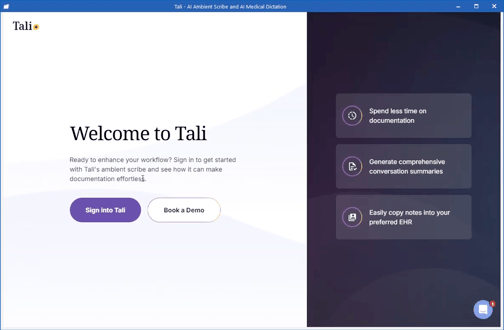
-
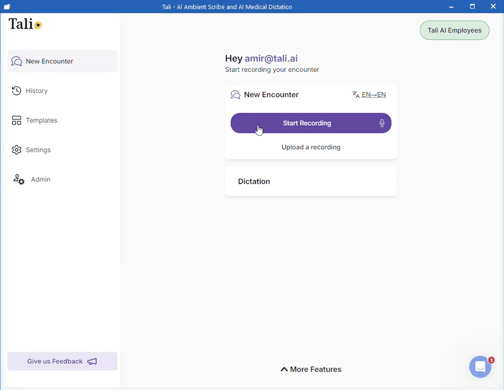
Start recording your encounter using the Tali window that appears inside Profile.
Getting help
- Need a Tali AI account? Create one by following these instructions.
- Need support? Contact Tali’s Customer Success Team here
- Having trouble with your EMR? Visit our troubleshooting guide here