Watch the full PS Suite Note Recording Workflow video here.
Transfer your notes
You must launch Tali from within the patient’s chart. Do not launch Tali from the main page, as it will not pull in the patient context.
-
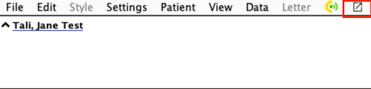
Launch Tali from within the patient's chart. Click on the square with an arrow on the far right of your toolbar.
-
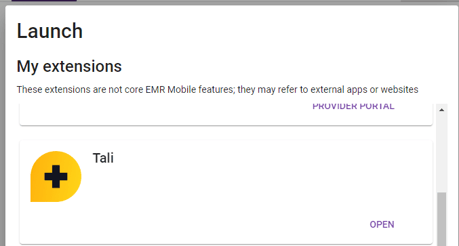
An extension selector will pop up. Scroll down until you see Tali
-
Click Open
-
A New Window will open with a Tali tab (Sign in)
- You will now see the patients context
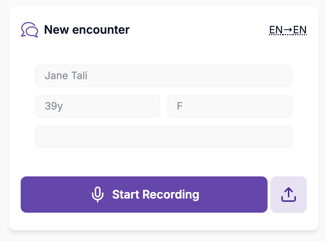
- Start Recording
-
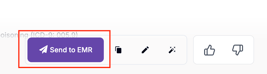
Click Send to EMR within the Tali window.
-
Navigate back to PS Suite.
-
Refresh the patient's chart by clicking the two green arrows in the top-right corner of PS Suite.