
Watch the full Med Access Note Recording Workflow video here.
Launch Tali
You must launch Tali from within the patient’s chart. Do not launch Tali from the main page, as it will not pull in the patient context.
-
Open a patient chart in Med Access.
-
Click the launch icon (the square with an arrow pointing right) located on the far right of your toolbar.

-
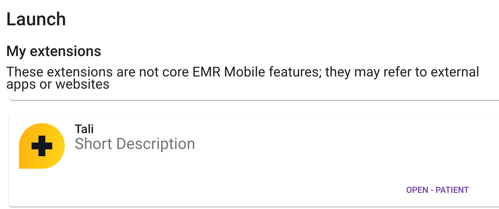
Find Tali in the extension selector list that appears.
-
Click Open. A new browser tab or window will open with the Tali widget on the side.
-
Sign in to start using Tali. Once you are logged in, Tali will stay active for your session.
- Tali automatically pulls patient details (like name, age, and gender) into your notes (Patient Context).
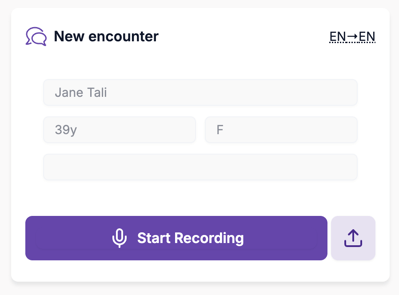
- Create a note with Tali.
- Click Send to EMR. (Only available for SOAP notes)
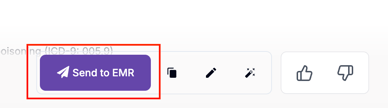
- Your note will appear as a new encounter in your patients chart.