
Connecting a Patient to Your Encounter
- Add a patient by clicking the "connect a patient" component on the Tali home screen.
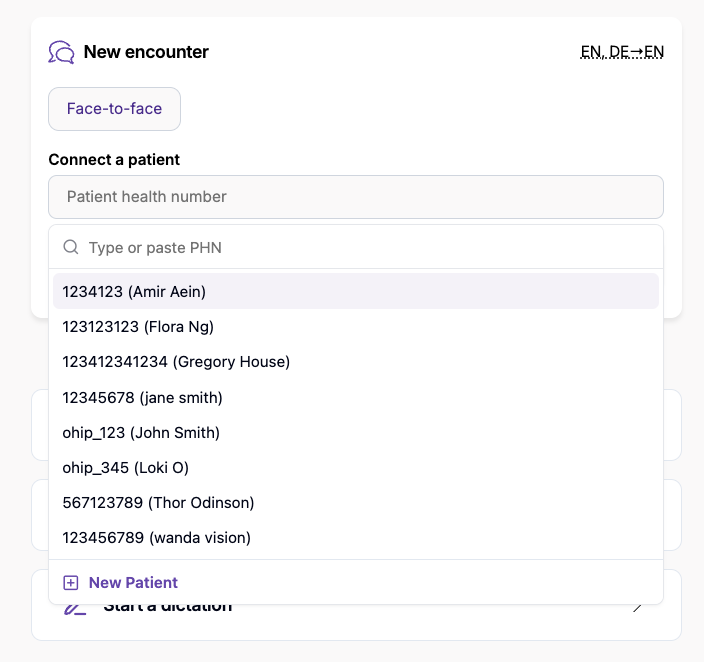
- Search for the patient using one of the following methods:
- Search by name.
- Search by OHIP number (or patient health card number).
- If patient information is missing, add it manually by clicking the pen icon next to the health number and saving the updates.
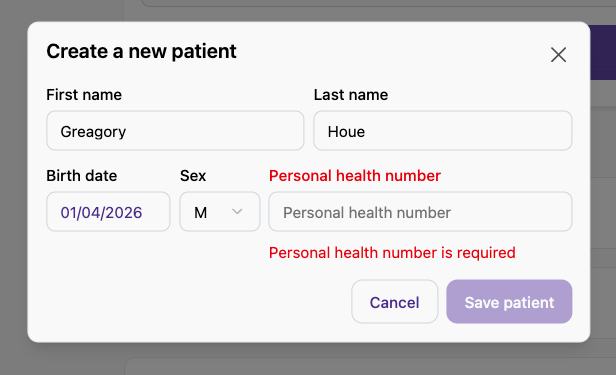
Setting the Visit Modality and Starting the Recording
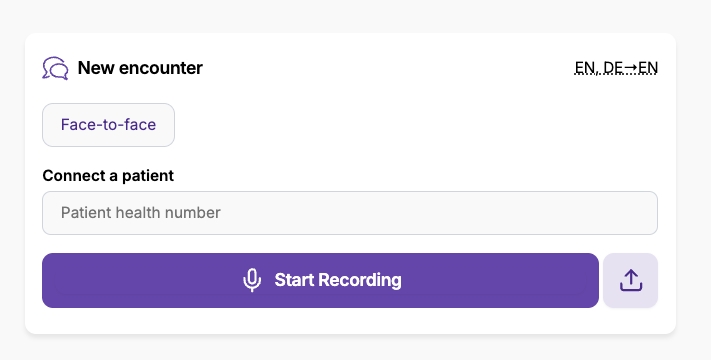
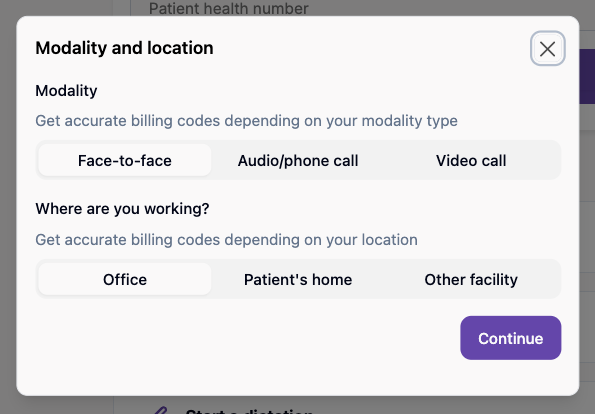
- Choose the visit modality by clicking the "Face-to-Face" button and selecting the appropriate option.
- Start the recording for the encounter.
Reviewing and Managing Recommended Codes
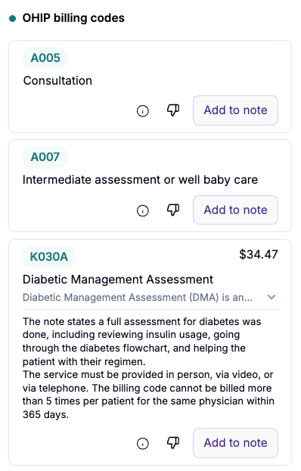
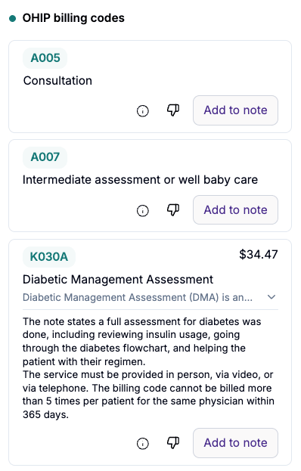
- Wait approximately 5 seconds after the note is generated for the diagnostic and billing codes to appear.
- Add to note:
- Click this to add a happy code to your encounter.
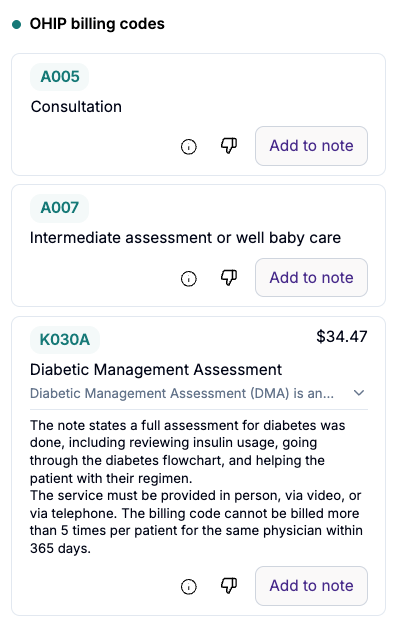
- The codes will be added to the bottom of the note in a separate Codes section

- Click this to add a happy code to your encounter.
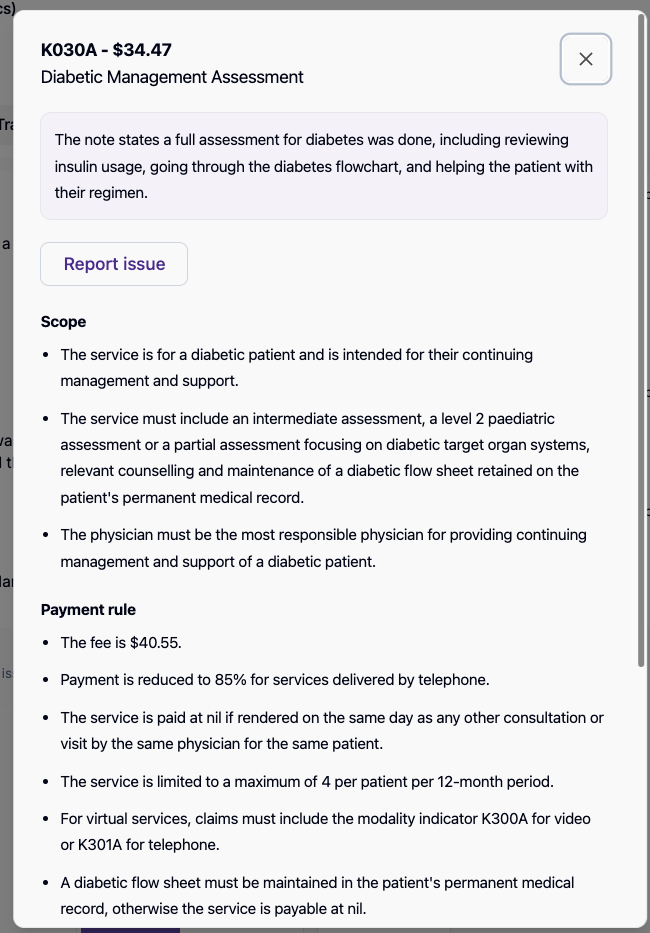
- (i) Button: Click to check eligibility criteria and rules summarized from the Ontario MoH Schedule of Benefit.
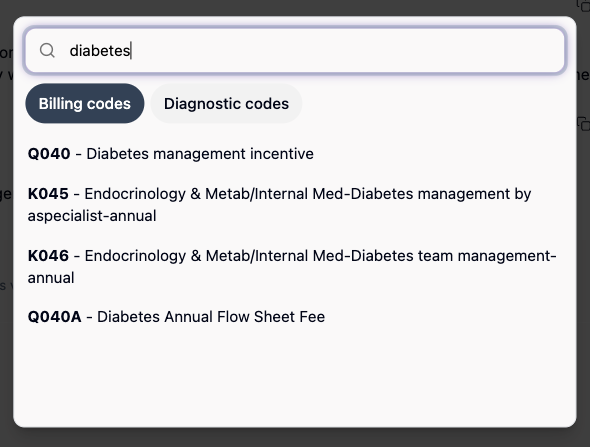
- Add a code:
- Scroll to the bottom of the recommended code list
- Click on add a code

- Manually search for and add any missing codes.
- {thumbs down} Button:
- Provide feedback if a code is incorrect to help Tali learn and improve.
- Choose the reason for your feedback, and write additional info to help the Tali team better understand how to improve the billing agent.
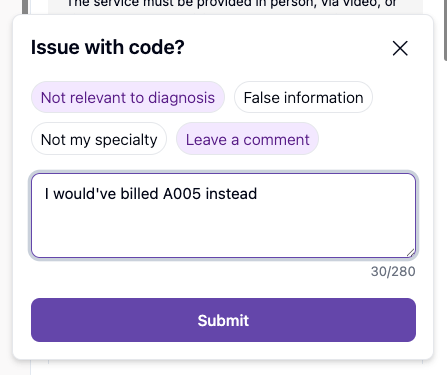
- Provide feedback if a code is incorrect to help Tali learn and improve.