
Tali lets you choose how quickly notes are generated by AI Scribe.
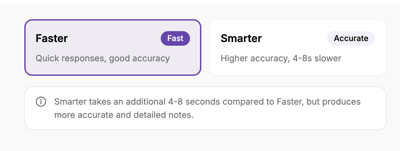
- Faster: Quicker responses with good accuracy
- Smarter: Higher accuracy, with note generation taking a few extra seconds
What is the Model Intelligence setting?
The Model Intelligence setting gives you control over how Tali generates your notes.
Tali's default Model intelligence is set to Faster.
What are the options?
Faster
Choose Faster for quicker responses and good accuracy.
Smarter
Choose Smarter for higher accuracy and more detailed notes.
Smarter takes an additional 4–8 seconds compared to Faster, but it produces more accurate and detailed note output.
How to update Model Intelligence
Tali's default Model Intelligence is set to Turbo. To change your model speed preference:
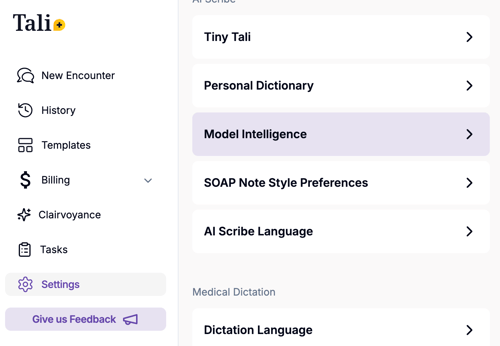
- Open Settings
- Select Model Intelligence
3. Choose Faster or Smarter
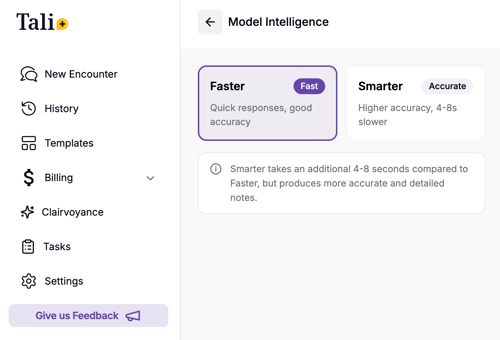
Your selection will be applied to future notes generated by Tali.