
How it works
When accessing the templates before or during the encounter, you can click on the star to the left of each template to make it a favourite. The template will get added to the Favourites section for easier access.
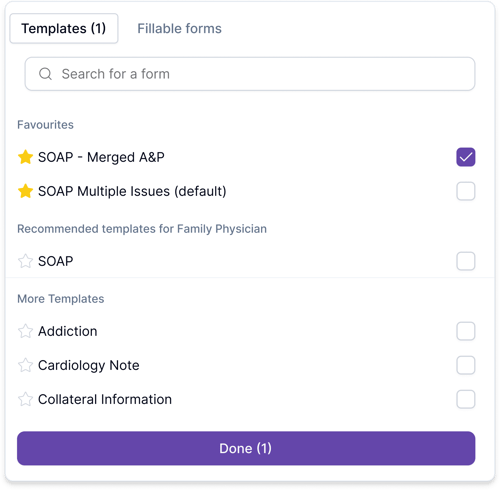
How to remove a template from favourites
To remove a template from favourites, click the star again. The template will be removed from the Favourites section and returned to the rest of the library.