
Previously, Settings appeared near the top of the main navigation with other main items, while Give us feedback and Help were located at the bottom of the sidebar.
With this update, these actions now live together in the account menu at the bottom-left corner of the app.
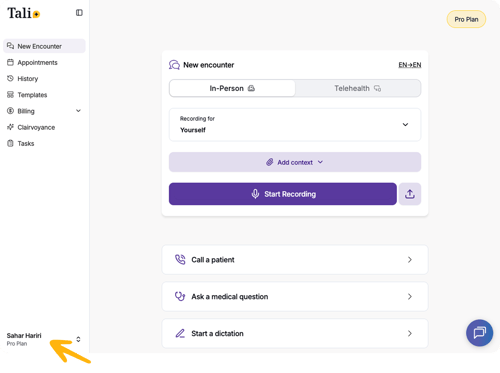
From the account menu, you can:
- Open Settings
- Send us feedback
- Get help
- Download the desktop app
- Log out
.png?width=300&height=389&name=Screenshot%202026-05-22%20at%204.56.25%20PM%201%20(1).png)
How to open the account menu
- Click your name or profile area in the bottom-left corner of the app.
- Select the action you need from the menu.
This update keeps account, support, and app-related actions in one place, making them easier to find without interrupting your workflow.